¶ How do I update the system?
FIRST, let’s address the elephant in the room for previous Fedora users:
“Why can’t I just use dnf update?”
Nobara’s Update application has been designed so that it not only updates packages on the system, but also checks for modifications or changes to the system’s repositories, as well as performs a ‘sync’ to installed applications. What this means is that it will check package versions installed on the system against package versions in the upstream repositories, and if they do not match versions, it will attempt to sync them to the correct version. This provides better update compatibility in the event that a custom package may have been installed or overridden system packages and/or otherwise caused conflicts. This also provides an auto-rollback mechanism in case a package update was pushed then removed or downgraded upstream. THEREFORE dnf update is simply -not enough- by itself, and it is instead recommended to use the DNF App Center application provided by Nobara.
Now that that’s addressed, there are 3 different ways you can use to correctly open the DNF App Center and update the system.
¶ 1. From the ‘Update System’ application:
- KDE/Official

- GNOME

¶ 2. From ‘the’Update my System’ on the Nobara Welcome App:

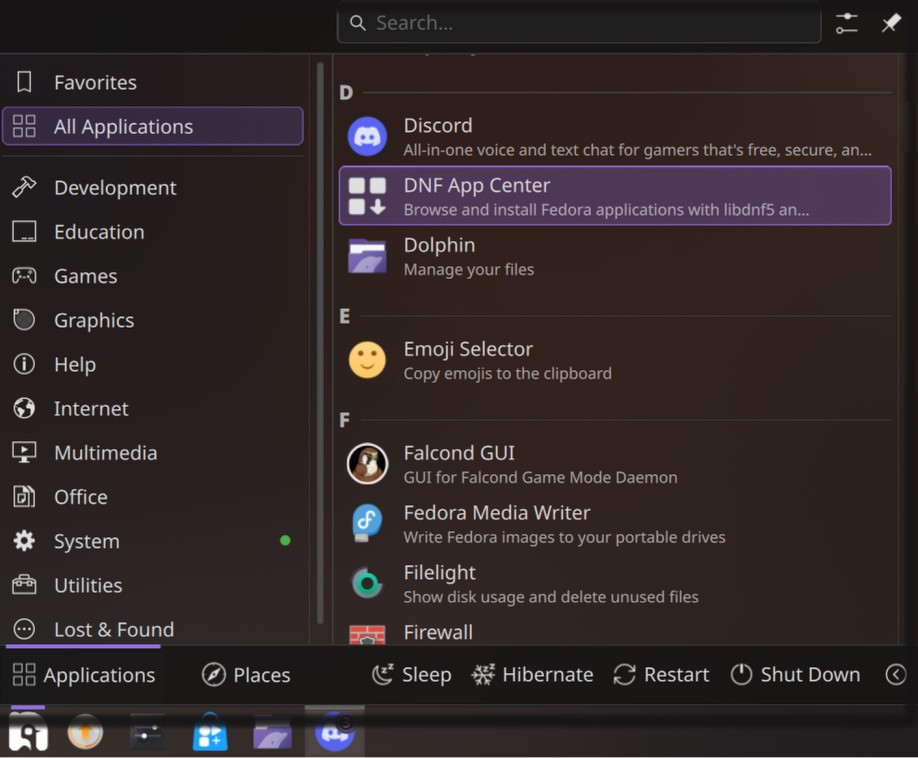
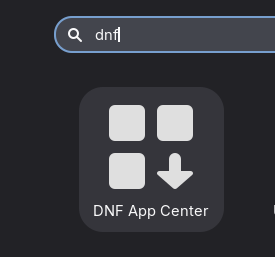
¶ 3. From the ‘DNF App Center’ application:
- KDE/Official
- GNOME
¶ Updating via DNF App Center:
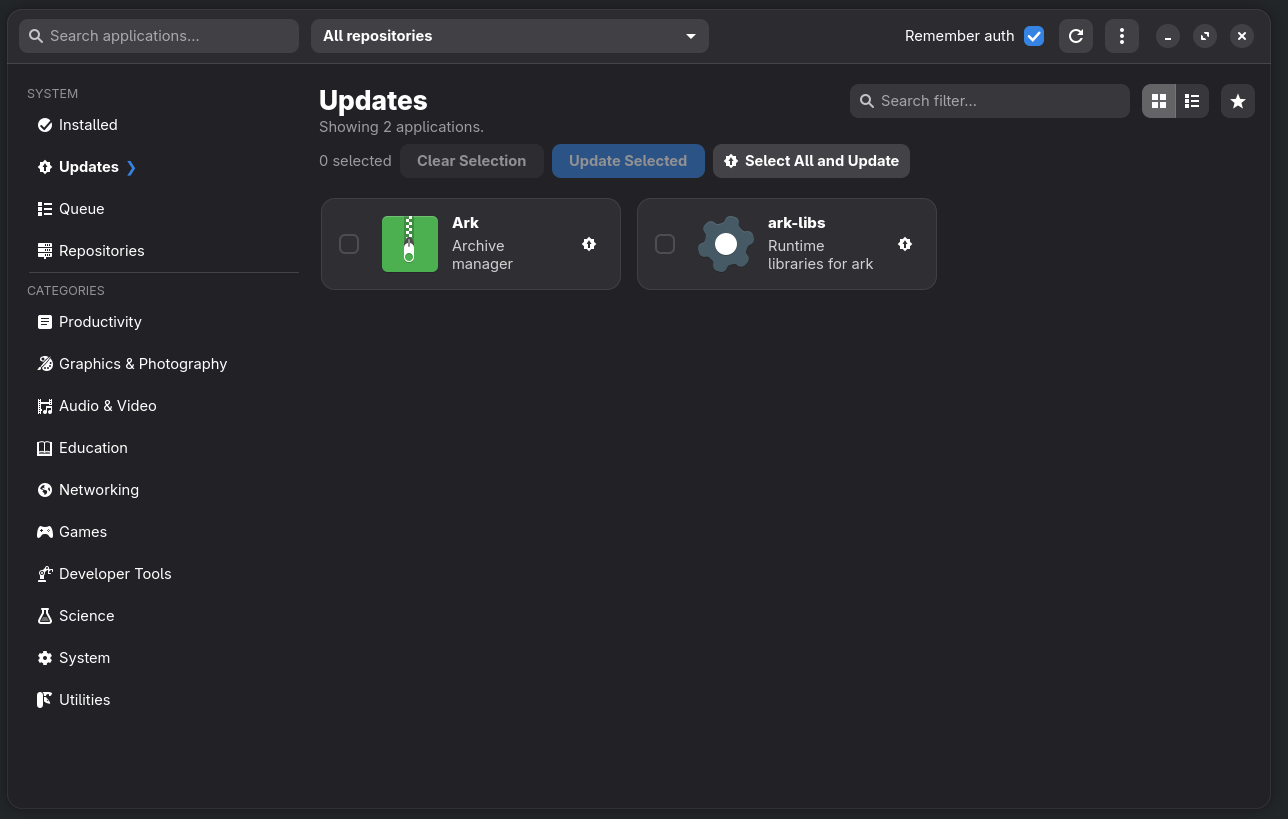
In the update section, if packages are available to be updated, they will be shown with a checkbox. From there you can either:
-
Press 'Select All and Update' to update everything (Recommended choice that also runs all quirks via nobara-sync). Tick "Also update flatpaks" if you need.
-
Check items you want updated and press 'Update Selected'
If there are no items listed, then there are no updates available and your system is fully up to date.
If updater logs ended with "System Update: System update completed successfully." then all good. But for any errors that you might encounter during updates, there's a 'Send to pastebin' button that can be used to easily share logs for support on the official Discord.
Note that DNF App Center only updates RPM packages installed from any enabled repositories. For managing alternative application types:
- For flatpaks, you can use Bazaar from the Nobara Welcome App --> Recommended Additions, or any other flatpak store you prefer (Flatpost, KDE Discover, GNOME Software). To update from terminal:
flatpak update -y - For snaps, the Nobara Welcome App also has Snap Store option. To update from terminal:
sudo snap refresh - For appimages, you just run them as is, but you can also install Gear Lever (flatpak) appimage manager.
¶ Updating via a terminal or TTY:
nobara-sync or nobara-sync cli in a terminal launches the Updater app CLI mode (command line interface). Even if you are stuck in a non graphical interface (TTY), this should make it possible for you to run updates.
Note that running
nobara-sync --allwill also update all flatpak packages alongside RPM packages.
In case of possible update issues, you might want to run nobara-sync repair or sudo dnf distro-sync --refresh, which might help to resolve some of the conflicts.
Manually running quirk fixups only and checking updates can be done with nobara-sync install-fixups
Also, nobara-sync check-repos && nobara-sync check-updates can allow you to view pending updates without installing them.
Run nobara-sync --help for more command info.
If you want to share latest updater log:
cat ~/.local/share/nobara-updater/nobara-sync.log | npaste
Do NOT run nobara-sync with sudo prepended, as the script will ask password to elevate itself in a good manner; it is not intended to run fully as root. Doing that will store logs in root's home and may potentially mess up your user configs. And won't be able to access user flatpaks.
On update errors, check some Common Troubleshooting Steps.