¶ Setting up WineASIO
Nobara provides a custom WineASIO package in its repos in order to ensure compatibility with the rest of its packages.
Follow the steps below carefully to set it up.
¶ Installing and setting up realtime privileges
sudo dnf in wineasio
sudo systemctl enable realtime-setup.service
sudo systemctl enable realtime-entsk.service
sudo usermod -aG realtime $(whoami)
sudo usermod -aG pipewire $(whoami)
After running these commands you need to reboot in order for the changes to apply.
reboot
¶ Registering with your wine prefixes
Now that you have WineASIO properly setup, you need to register it for your wine prefix.
env WINEPREFIX=~/<your_wine_prefx> wineasio-register
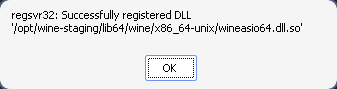
If you don't supply a prefix and simply run wineasio-register it will be setup for your default wine prefix which resides in ~/.wine
Afterwards, you can set up WineASIO by running
env WINEPREFIX=~/<your_wine_prefx> wineasio-settings
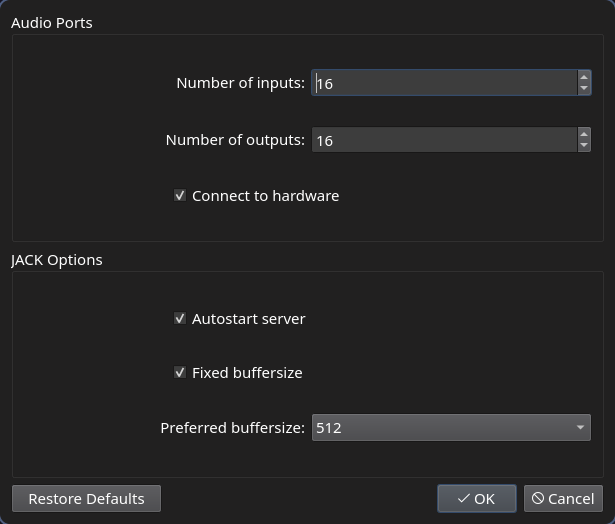
¶ Testing that it is properly working
This forum thread provides a Windows executable you can launch in your properly setup wine prefix to test if the WineASIO driver is installed correctly
https://forum.vb-audio.com/viewtopic.php?t=1204
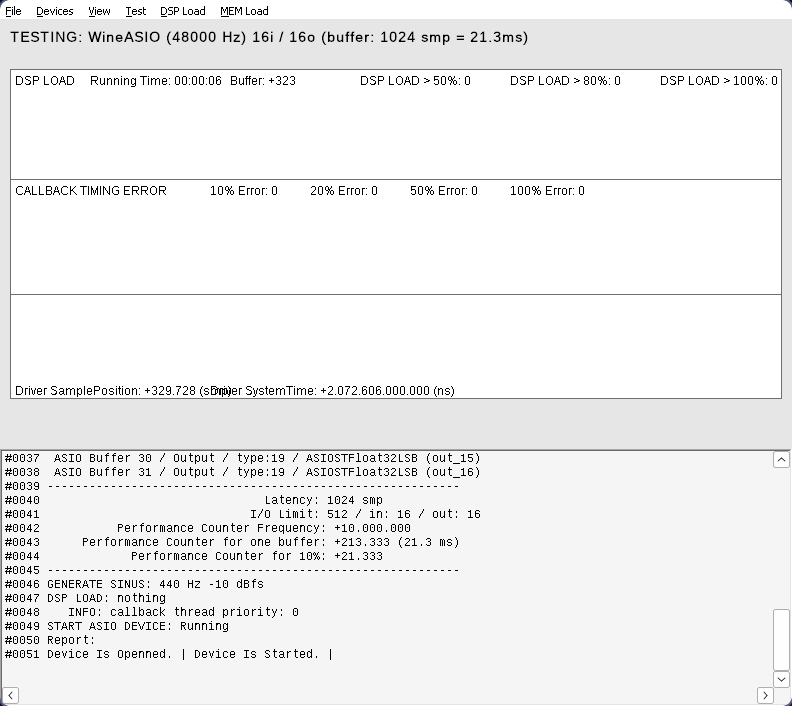
Alternatively you can download and try the trial version of FL Studio
https://www.image-line.com/fl-studio/